iMessage sticker app · free to try · no ads
Apple cuts your stickers in half. MemePouch doesn't.
MemePouch is a video-to-GIF converter and iMessage sticker manager for iPhone. Turn any video or Live Photo into a looping GIF at up to 50fps — no watermark — and keep the whole frame on every sticker: text, background, hands, reaction context, all intact. No auto-cutout, no background removal. Free to try — then unlock it once, or subscribe. Your call.
No account · No ads · Everything stays on your iPhone
 background: goneeven the caption got clipped
iOS auto-detects "the subject" and deletes everything else. Same meme, real result — it even ate the first letter of the caption.
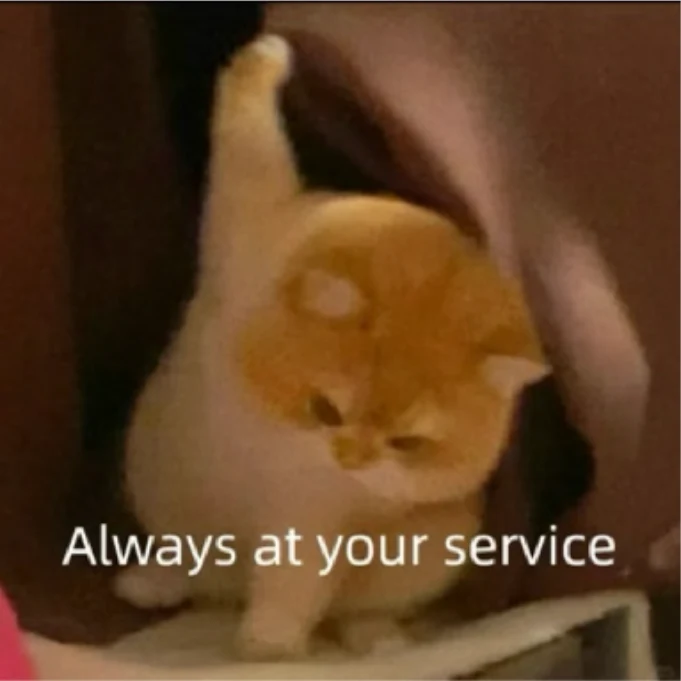 everything intact
The whole frame becomes the sticker — caption, hands, background, context. What you import is what your friends see.
New · iMessage's Save to Stickers button hangs on third-party stickers
Save the stickers your friends send you in iMessage.
iOS shows the button, but tapping it stalls — Apple's system sticker daemon drops the connection. The path that actually works: drag it into MemePouch. And it doesn't care what they sent — Apple's own stickers, packs from other sticker apps, animated GIFs, plain photos. All real-device tested.
See how it works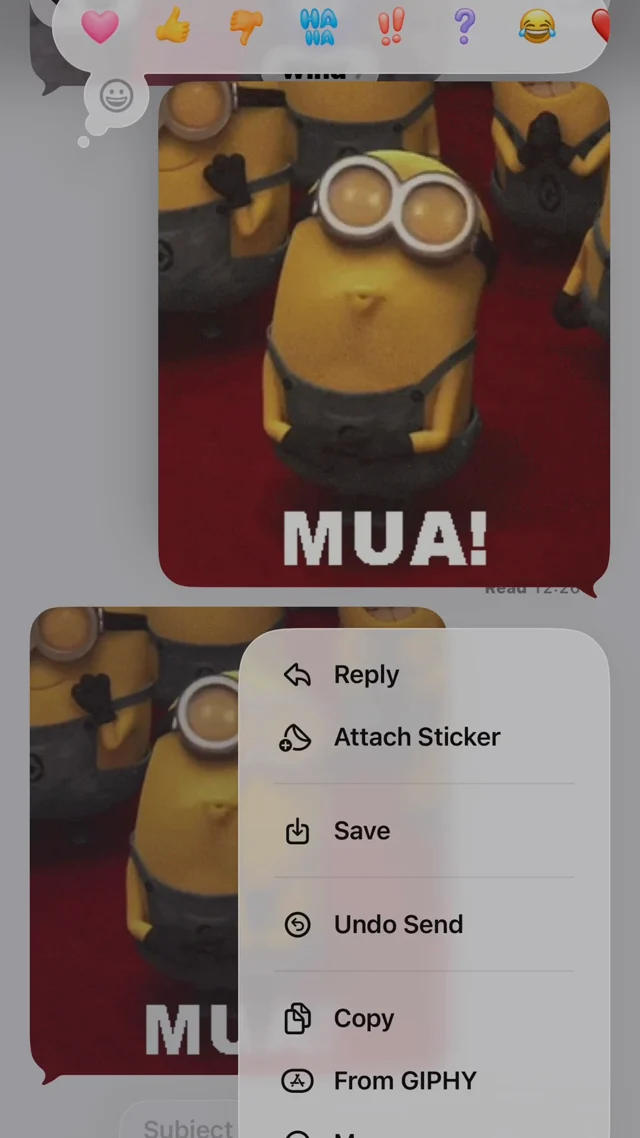 1
1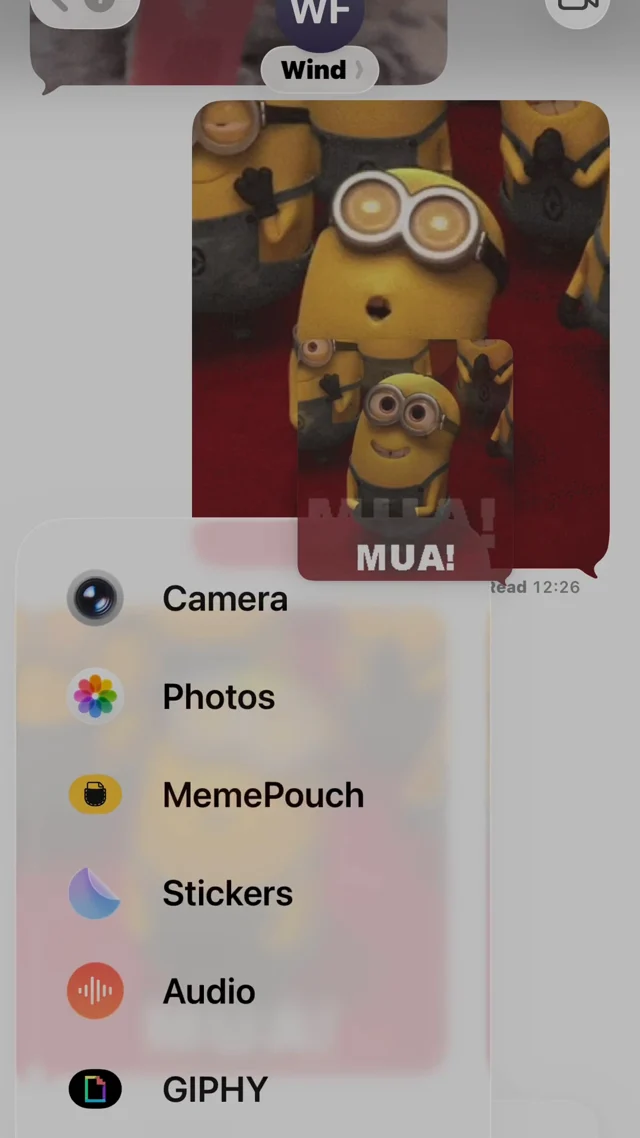 2
2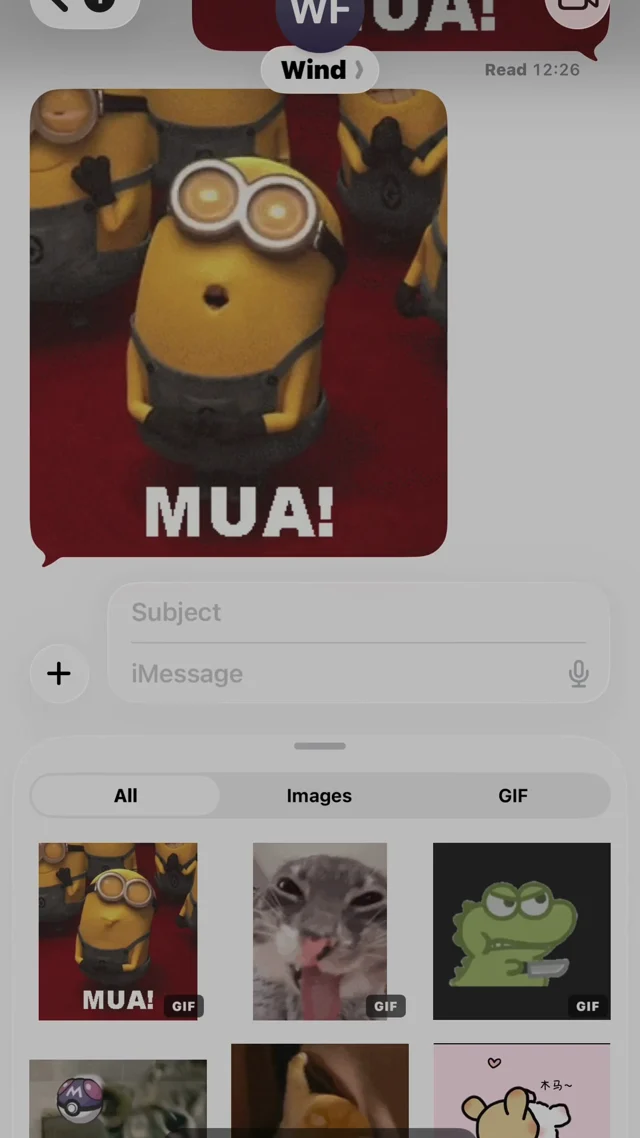 3
3Five magical ways to import
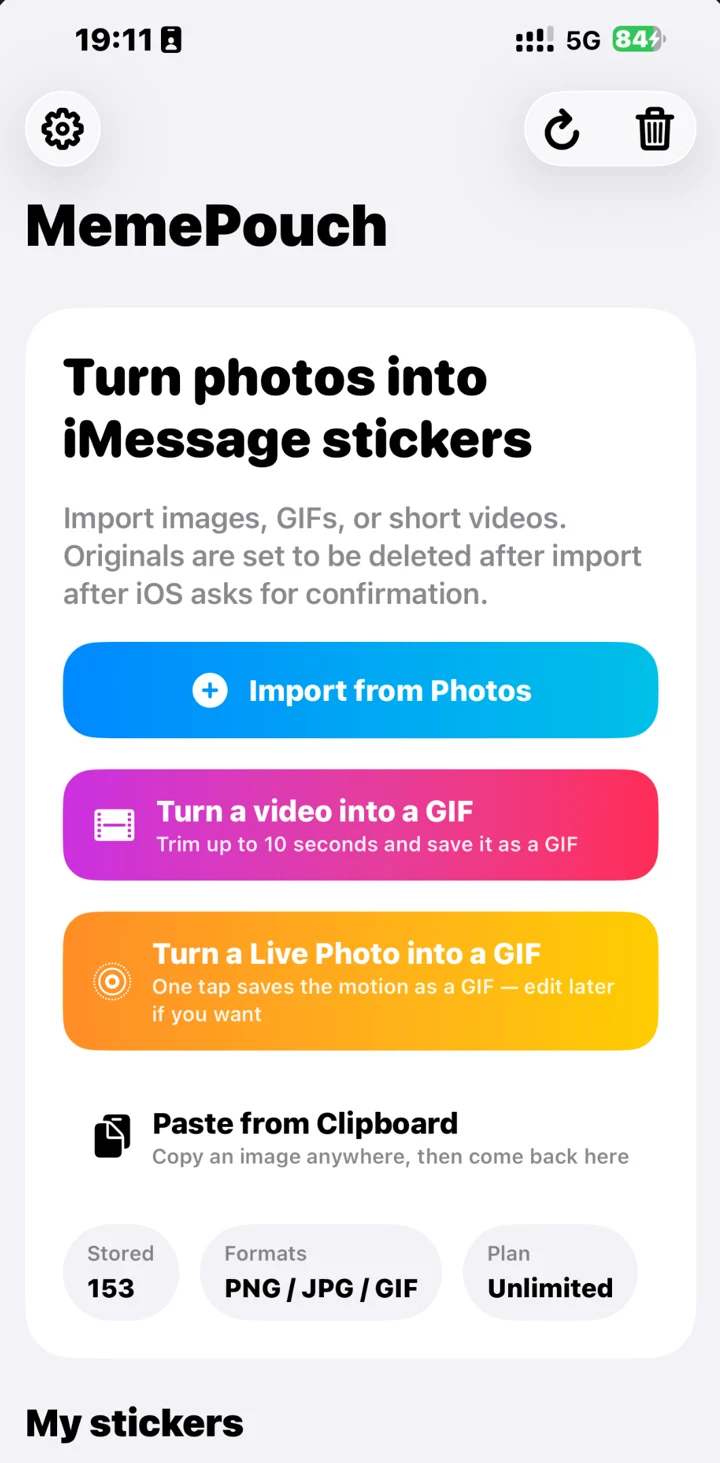
Add to your pouch from anywhere on your device.
Video to GIF
Choose a short video, trim up to 10 seconds of the best moment, and turn it into a looping animated GIF sticker instantly.
Photos
Select multiple images or GIFs directly from your library and import them all in one tap.
Clipboard
Copy an image anywhere, then just tap "Paste from Clipboard".
Share Sheet
Share an image from Safari, Files, or another app directly to MemePouch.
Drag & Drop
Long-press anything someone sent — a sticker, a GIF, a photo — keep holding, open MemePouch in the iMessage drawer with another finger, and drop it into the grid.
Loops That Don't Jump
Most GIFs snap back to the first frame — you see the cut every time it repeats. Smart hunts for the end frame that best matches the start, so the loop closes on itself. Boomerang plays forward then back, which always loops cleanly. Off keeps the clip exactly as shot, and the file smallest.
Everything renders at up to 50 frames per second — the format's ceiling — and if a clip won't fit iMessage's 10 MB limit, MemePouch steps the frame rate and size down on its own until it does. You never see a size error you have to solve yourself.
Finds the end frame that best matches the start, so the loop is seamless.
Clean Up Camera Roll
Turn on Auto-Delete in settings. Once you import a meme into MemePouch, its original photo will be moved to Trash after iOS asks you to confirm.
Automatically move original photos or videos to Trash once they are safely stored here.
Pin Your Go-To Stickers to the Top
Long-press a sticker and tap Pin to Top to keep your most-used reactions front and center — they stay above the rest, marked with a small pin badge. Drag the pinned ones to put them in exactly the order you want, and that order sticks in both the app and the iMessage drawer.
Long-press any sticker and choose Pin to Top. Drag the pinned ones to reorder.
Group Them Your Way
Make your own categories — cats, reactions, one per group chat — and long-press any sticker to file it. The tabs show up in the iMessage drawer too, so the right set is one tap away mid-conversation. Delete a category and the stickers stay; they just go back to All.
Deleted something by mistake? It sits in Recently Deleted for 30 days — and it survives reinstalling the app or moving to a new iPhone.
Up to 30 categories. Long-press a sticker → Move to Category.
Same Stickers, Now in WhatsApp Too
Import a meme once, send it everywhere. Tap the WhatsApp button in your library, pick the stickers you want, and MemePouch converts them to WhatsApp's sticker format and hands the pack over — GIFs become animated WhatsApp stickers. Completely free, no unlock needed.
Pick 3–30 stickers, tap Add, confirm in WhatsApp. Done.
Delete the App. Get a New iPhone. They Come Back.
Your library backs up to your own iCloud — the private part of your Apple ID, not a server of ours. Sign in on a new iPhone and the stickers, the categories, the pinned order and even Recently Deleted are all waiting. It's on by default; switch it off in Settings if you'd rather keep everything strictly on one device.
Saved to your own iCloud. We can't see it, and it never passes through a server of ours.
Free to try. Then it's your call.
One unlock, three ways to pay — buy it outright, or subscribe monthly or yearly. Same app either way.
What you get
- ✓ Unlimited stickers
- ✓ All import paths — Photos, paste, share, drag
- ✓ Video & Live Photo → GIF maker
- ✓ No ads, no account, no watermark
- ✓ Restores on any iPhone with your Apple ID
- ✓ Supports a solo indie developer 💛
Quick answers
Does MemePouch remove backgrounds like Apple's tool?
No — that's the whole point. MemePouch keeps the framing and content exactly as you import it. No subject detection, no cutout.
Does MemePouch upload my photos anywhere?
No. Your stickers live in an on-device container shared between the app and the iMessage extension, and sync through your own iCloud if you leave that on — never through a server of ours. No accounts.
Can I make an animated sticker from a video?
Yes — pick a clip, trim up to 10 seconds, and MemePouch turns it into a looping GIF sticker that sends at full quality.